
Never start a meeting cold again
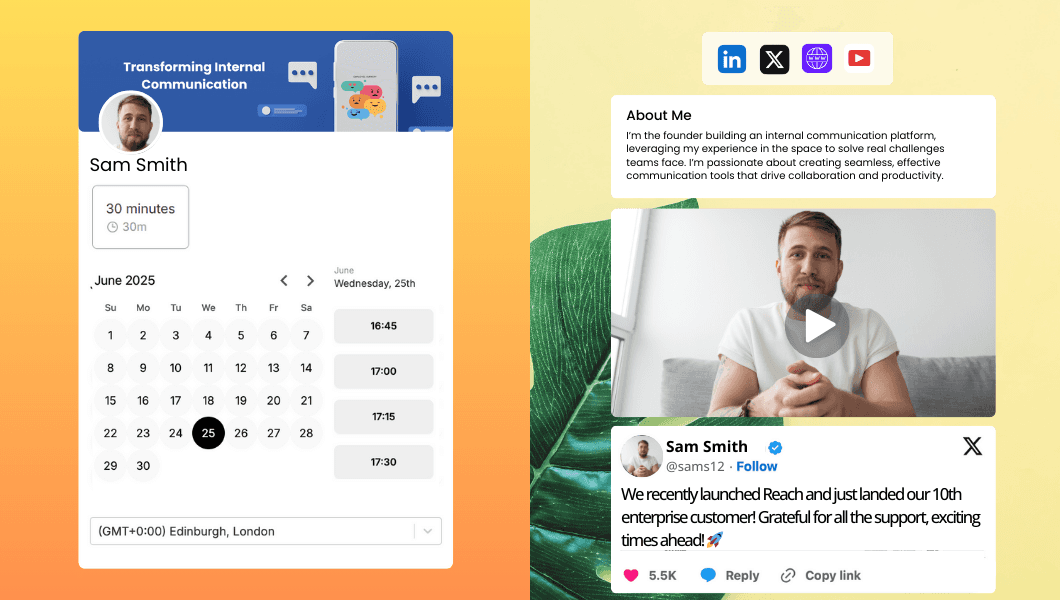
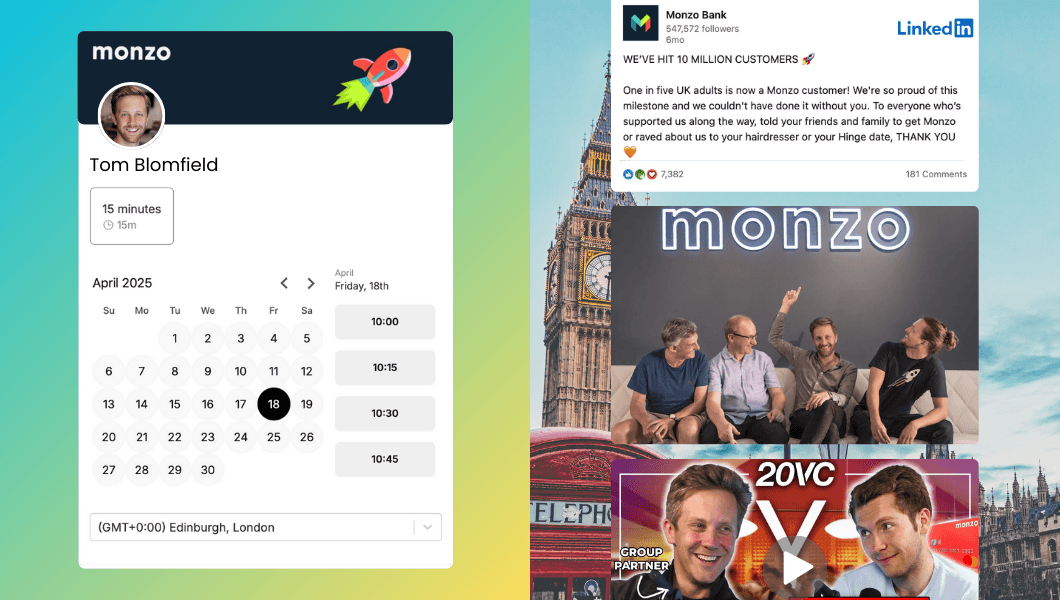
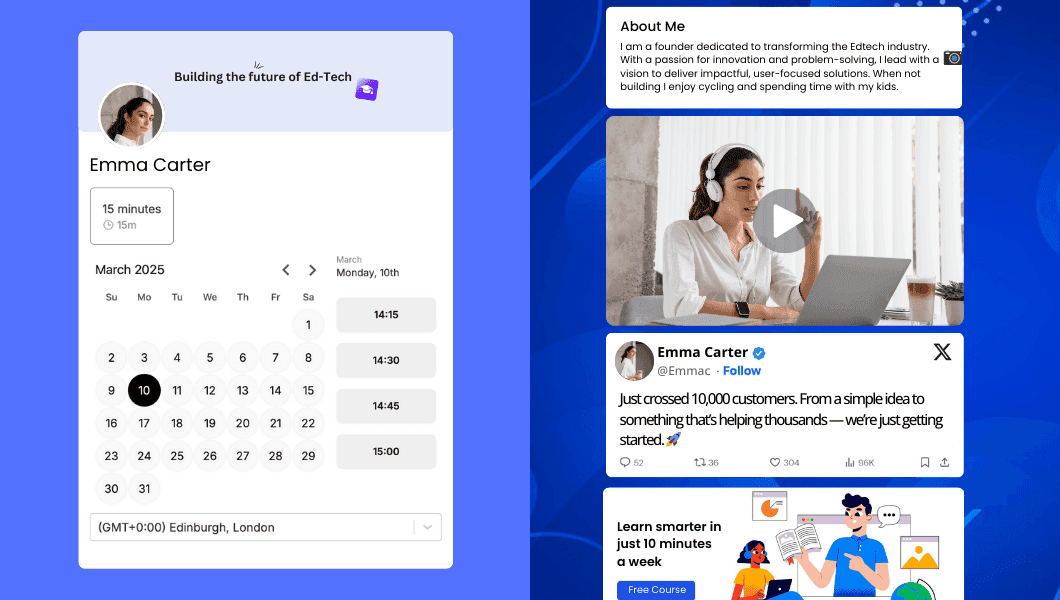
Warmcal turns your booking page into a mini landing page. Add value-driven content that builds trust, gives people a reason to book and gets them ready for the conversation.





Loved by growing companies





Why Warmcal is more than a generic scheduling link
Most scheduling software helps people find a time. Warmcal helps you make the booking decision easier by giving guests context, showing the value of the meeting and helping them arrive prepared.
Other scheduling tools
Booking page only shows availability
Guests see open slots but little context about who they will meet or why it matters.
Conversation starts cold
You spend the first few minutes explaining who you are and what the call is about.
Higher no-shows
Without context or a clear reason to show up, guests are more likely to miss or overlook the meeting.
Perfect for people who know you
Great when professionalism or credibility isn't a concern, such as booking time with colleagues, friends or people you already know.
With Warmcal
Booking page starts the conversation
Show your credibility at the booking stage so guests feel confident about booking time with you
Conversation starts warm
Let the booking page make the introduction so you can get to a more meaningful conversation faster.
Guests want to show up
They know who they are meeting, what to expect and why the conversation matters.
When people don't know you yet
Perfect when you are meeting people who don't know you yet such as prospects, candidates investors and new clients.
Build a booking page that earns trust in minutes
Add introduction videos, team information, testimonials, customer stories and helpful content. Give guests the context and confidence they need to book time with you.
Endless ways to customize your booking page


Businesses use Warmcal for

Powerful scheduling, without the complexity
Once guests are ready to book, give them an easy scheduling experience while keeping control over your availability, bookings and meeting workflow.
Keep your calendar in sync
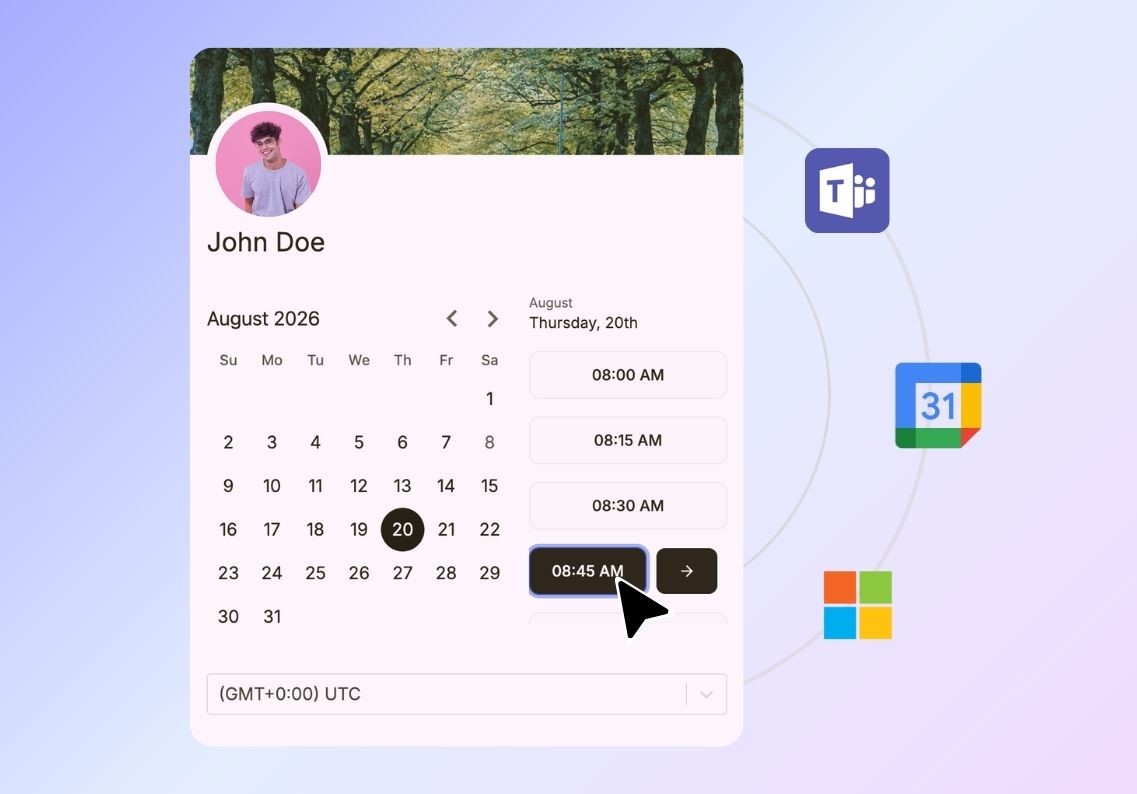
Connect your Google or Microsoft calendar to keep your availability up to date, prevent double bookings and make sure people only see times when you are actually available.
Automatically handle time zones
No more Googling time differences or worrying about confusing time zones. Warmcal automatically detects each guest’s location and shows available meeting times in their local time.
Get website bookings
Embed scheduling directly on your website or landing pages so guests can book time with your team without leaving your site or searching for availability.
Create different meeting types
Create separate booking options for product demos, customer feedback calls, investor meetings and follow-ups, each with its own availability, duration and meeting settings.

Send automated reminders
Keep guests engaged before the meeting with custom automated email reminders and confirmations, helping reduce missed calls and last-minute cancellations.
Gather information before meetings
Add important or optional questions to your booking flow so you can collect key details from guests before the meeting and prepare your team in advance.
Manage your meeting limits
Set daily, weekly or monthly limits on how often meetings can be booked so you can protect your time and avoid an overloaded calendar.
Control who books time
Ask qualifying questions during the booking process and use answer logic to decide who gets immediate calendar access and who needs further review. Spend more time with the right prospects.

Route meetings automatically
Use round robin scheduling to distribute meetings across your team and make sure bookings are automatically assigned to the right person.
Understand your booking activity
Use analytics to see how your booking pages are performing, understand booking activity and identify opportunities to improve your scheduling experience.
Connect your CRM
Connect HubSpot CRM to keep booking activity connected with your sales workflow and give your team better visibility into scheduled meetings.
Manage team access
Control which team members can access and manage scheduling so the right people can handle bookings without giving everyone access to everything.